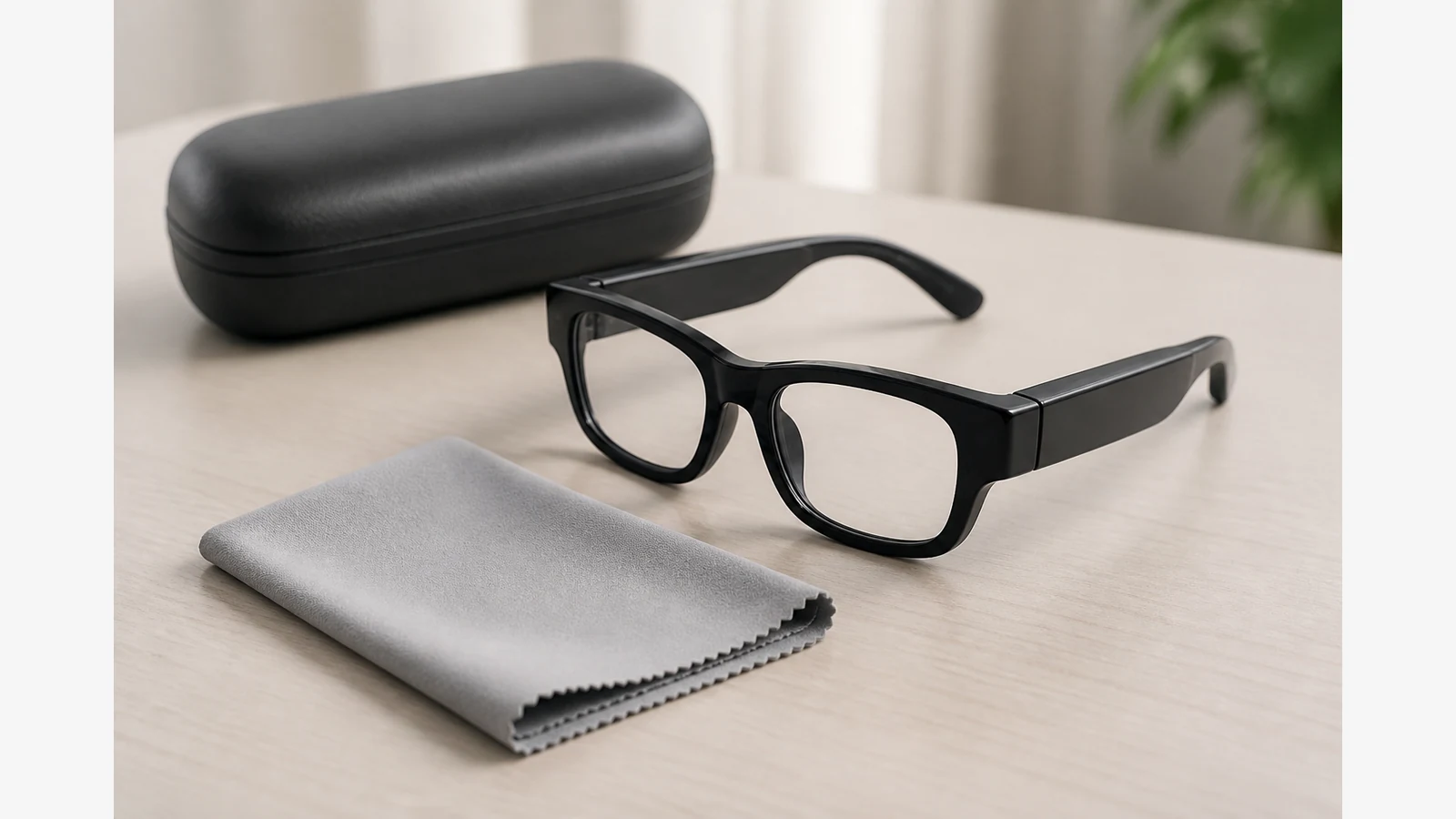
How to Clean Camera Glasses Safely Without Scratching Lenses or Wetting Electronics
Clean optical surfaces with methods approved for spectacles, and keep liquids away from electronic housings, openings and charging interfaces. Always follow the exact model manual before you apply any cleaner or wipe.
Stop-before-cleaning checklist
- Power the device down if the manual says you should.
- Wash and dry your hands so you do not transfer oils or grit.
- Identify lenses, frames, temples, camera windows and any ports or seams.
- Check the manufacturer’s cleaning section for approved cloths and liquids.
- If the unit is damaged, unusually hot, or wet already, stop and seek retailer or manufacturer advice.
Separate optical surfaces from electronic housings and openings
Treat the clear lenses as optics. Treat temples with electronics, camera modules, microphones, ports and seams as areas that must stay dry unless the manual explicitly allows a wet method. Do not rinse camera glasses under a tap. Do not spray cleaner directly onto housings, hinges or openings.
Dry debris removal, suitable cloths and model-manual checks
UK optical retailers such as Specsavers recommend clean hands, a specialist lens cleaner and a lens cloth, and warn against paper towels, clothing and harsh household cleaners. ZEISS similarly recommends purpose-made lens wipes or lens spray used with a microfibre cloth, and warns that tissues or clothing can risk lens damage.
- Blow or gently brush loose grit away first so you do not drag particles across the lens.
- Use a clean microfibre cloth for dry wipe-downs of optical surfaces.
- If the manual allows liquid, apply specialist lens cleaner to the cloth — not as a stream over electronics — then wipe lenses lightly.
- Dry any residual moisture on frames with a clean, dry section of cloth, keeping openings clear.
What not to use
- Clothing, shirt hems or kitchen towels
- Paper towels, tissues or toilet paper
- Window cleaner, acetone, bleach, abrasive pastes or unverified alcohol products
- Ultrasonic baths, dishwashers or any immersion the manual does not authorise
- Compressed air cans aimed into ports unless the manufacturer permits it
Do not promise scratch-proof coatings, water resistance or long-term coating durability that the product documentation does not state.
Storage after cleaning and signs that need professional support
Specsavers also recommends storing glasses in a case away from heat. After cleaning, return the device to its protective case once dry, away from radiators, car dashboards and damp bathrooms. Seek retailer or manufacturer support if you notice cracks, fogging that will not clear, liquid ingress, swelling, unusual heat or controls that no longer respond. Reviewed product evidence for AIGLAS currently supports a public 12-month warranty term only; start date, exclusions, remedies and carriage terms remain unresolved, so keep your purchase proof and ask support for the current warranty route.
Next step: review the AIGLAS V1 smart glasses page for product details, then follow the model manual for care. See also the first-day setup checklist and smart glasses charging safety guide.
Can I use water on camera glasses?
Only if the exact model manual allows it, and never by flooding electronics or openings.
Is a shirt sleeve safe for lenses?
No. Optical guidance warns that clothing and paper products can risk lens damage; use a clean microfibre cloth.
Does cleaning prove the lenses are scratch-proof?
No. Cleaning care reduces risk; it does not create a durability guarantee.