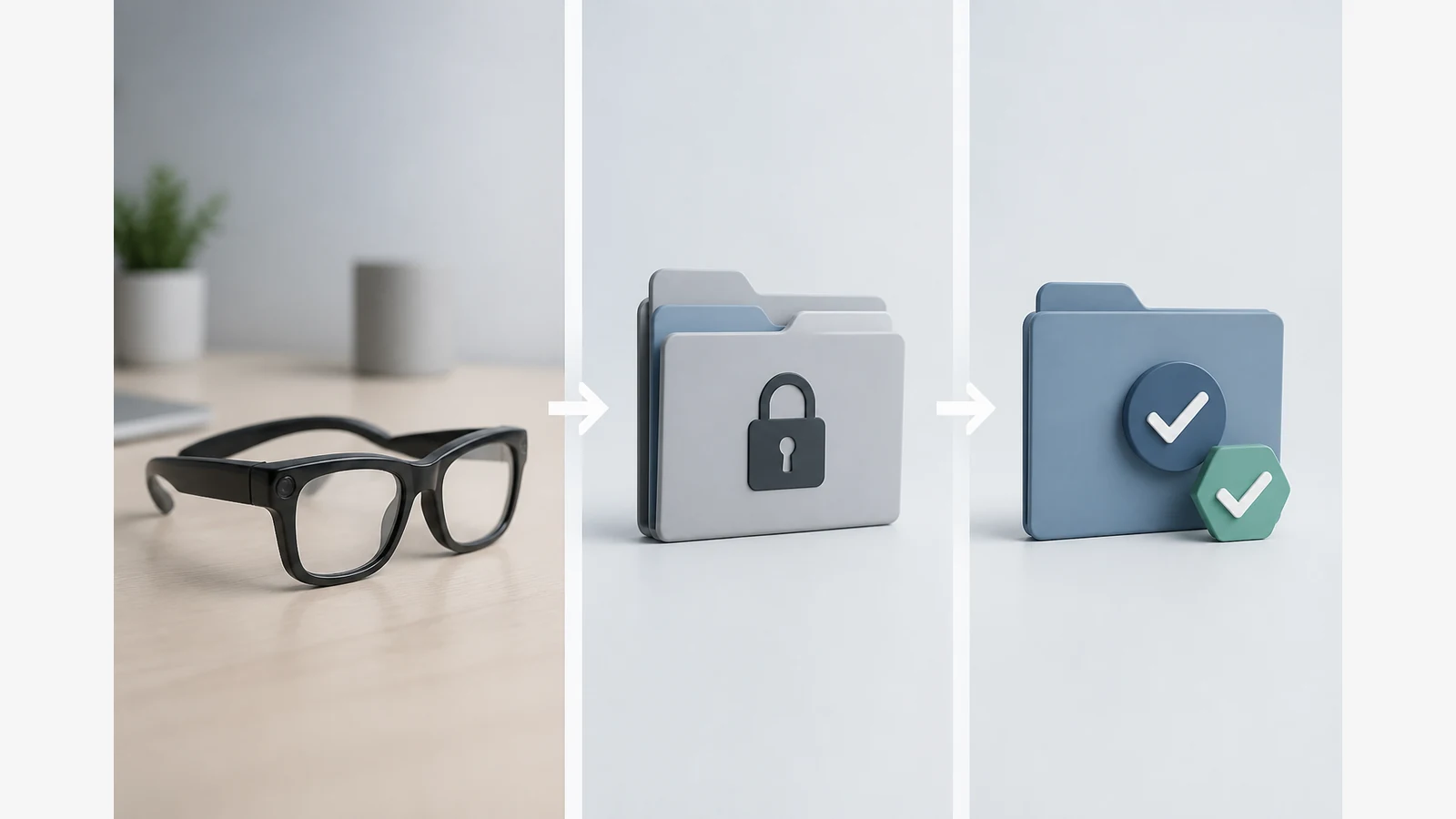
How To Store And Organise Camera Glasses Footage
Transfer footage deliberately, name files consistently, keep a verified backup, then delete from the device by purpose. Treat storage as a control problem — not a pile of unnamed clips — especially when other people appear in the recording.
Create a date-event-take folder and filename convention
Pick one pattern and reuse it. A practical UK-friendly structure is:
- Folders:
YYYY-MM-DD_event-name/ - Files:
YYYYMMDD_event_take-01_original
Include location or job codes only if you truly need them, and avoid putting sensitive personal data in filenames that might be shared later.
Separate originals, edits and exports
- Copy originals into an
originalsfolder first. - Work edits in a separate
editsfolder. - Export deliverables to an
exportsfolder. - Verify the backup copy (open a sample file; confirm size and playability) before you delete anything from the wearable or transfer cache.
Device transfer steps differ by model. Follow the exact manual for cable, wireless or card workflows; use confirmed details a memory-card slot, app screen or transfer speed claim.
Access control, encryption and secure transfer questions
ICO consumer Internet of Things guidance (updated 11 June 2026) highlights transparency, security, accuracy and connected-device data-handling considerations. Before you leave files on a phone, laptop or shared drive, ask:
- Who can open this folder, and is the account protected?
- Is the transfer path encrypted in transit where available?
- Are cloud sync folders shared more widely than you intend?
- Have you removed the footage from temporary caches after a successful copy?
ICO action-camera guidance also says portable-camera users should secure devices and removable media. ICO body-worn video guidance recommends secure storage, defined retention and disposal, retrievability, appropriate privacy information, and redaction where third-party rights are affected. Some ICO surveillance pages note guidance is under review after the Data (Use and Access) Act — treat this as practical hygiene, not legal certainty.
Retention, deletion and redaction when other people appear
Decide how long each category of clip must live, then delete or archive on that schedule. When third parties appear, crop, blur or otherwise redact where harm or identification risk needs reducing, and avoid publishing identifiable footage without a clear purpose. Make recording apparent where possible at capture time so storage decisions are easier later. For related UK consent context, see customer consent when filming in private homes and documenting disputed workmanship with consent.
Repeatable post-shoot checklist
- Stop recording and secure the device.
- Transfer originals to the dated folder.
- Verify backup, then clear device storage if the manual’s delete steps are appropriate.
- Separate edits and exports; label retention tags.
- Apply access controls and redact third parties before sharing.
Next step: if you are choosing eye-level capture hardware, review the AIGLAS V1 smart glasses page and confirm transfer steps in the model manual. Also see the privacy law guide and first-day setup checklist.
Should I delete from the glasses before a backup verify?
No. Confirm a readable backup first, then delete deliberately.
Do I need encryption for every clip?
Use stronger controls when clips include people, private homes or confidential work. Ask whether accounts, devices and shared folders are already protected.
Is this legal advice?
No. It is a practical organisation checklist aligned with public ICO themes; seek professional advice for your situation.